Early Access · macOS, Windows and Linux

The workspace for hybrid VFX

Plates, CG and machine learning in one node graph. Triton is designed from the ground up for shots that mix photography, 3D and models: a real colour pipeline, local ML nodes, and cloud GPUs when you need them.

  • Plates + CG + ML in one graph
  • Scene-linear OCIO end to end
  • Local ML nodes
  • Cloud GPUs as nodes
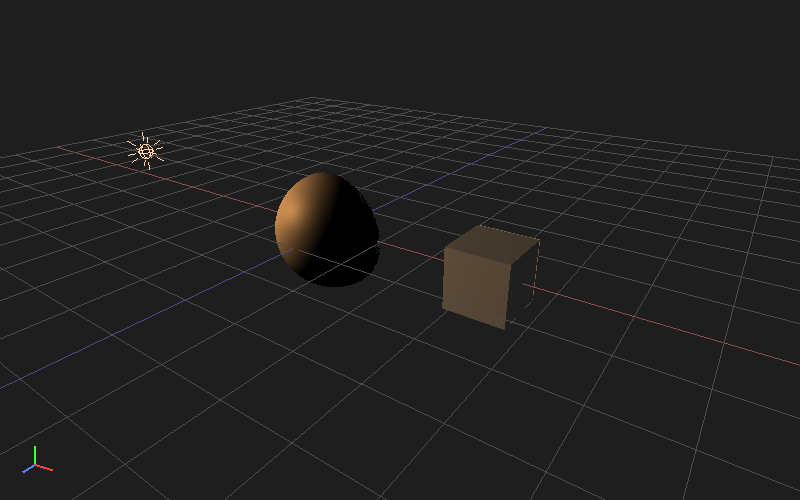
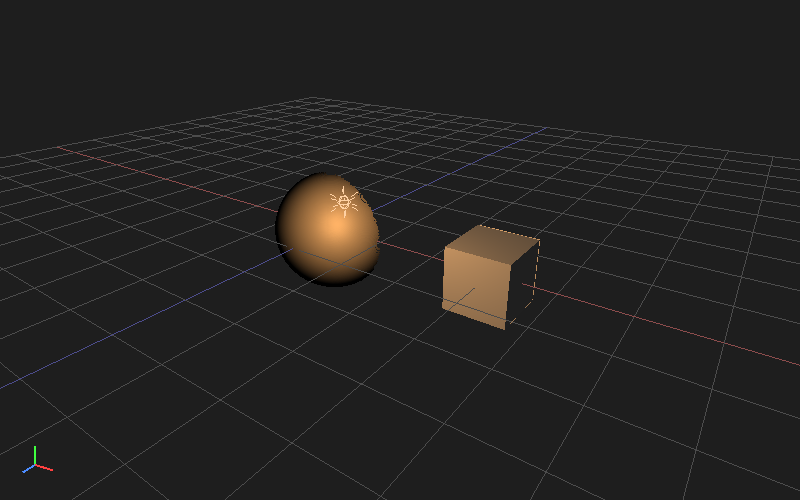
Triton 3D viewport: a point light relighting a sphere and a cube
  • 149+Graph operators
  • 6Hosted AI models
  • 2D + 3DUnified viewer
  • CY2026VFX Reference Platform
01

Built for hybrid

Hybrid VFX means a shot moves between photography, 3D and models all day. In Triton they are the same kind of node, in the same graph, on the same frames, in the same colour space.

Not a model runner

More than a UI on top of a model library

Browser-based node tools are great for trying models, but they stop at the image. There is no timeline, no scene-linear colour, no roto, tracking or 3D. Triton is a native app where a model is one node in a full shot pipeline.
Not a bolt-on

ML is not a few tools jammed into a menu

Compositing apps built decades ago add machine learning as isolated, single-purpose tools. In Triton, depth, normals, mattes and flow are ordinary channels that feed every other node.

Ground up

Designed for the hybrid shot

Graph, cache, colour management, 3D and the job queue were built together for work that moves between photography, CG and models on every frame.

02

One shot, one graph

A typical hybrid shot in Triton never leaves the graph. Photography, models and CG pass the same frames, in the same colour space, through the same cache.

  1. Readcamera RAW or EXR plate
  2. Depth + Normalslocal ML
  3. SmartRotolocal ML matte
  4. Relight3D lights on the plate
  5. Cloud splatGPU node, CG element
  6. Mergescene-linear
  7. FilmSimulation+ MatchGrain
  8. Writemulti-layer EXR
03

In the box

The finishing tools a hybrid shot needs ship with the app, so the work ends where it started.

3D

Cameras, geometry and light next to the plate

An interactive 3D viewport lives in the same project as the 2D work, so plates, cameras, CG and splats share one graph.

  • Cameras, lights, materials, geometry, Alembic and glTF import, and Gaussian splats
  • Relight a plate from its normals and position passes with 3D lights
  • Particles, transform gizmos, and Maya or Blender mouse navigation
Triton 3D viewport with a point light in front of a sphere and a cube

Look

Make generated pixels sit with photographed ones

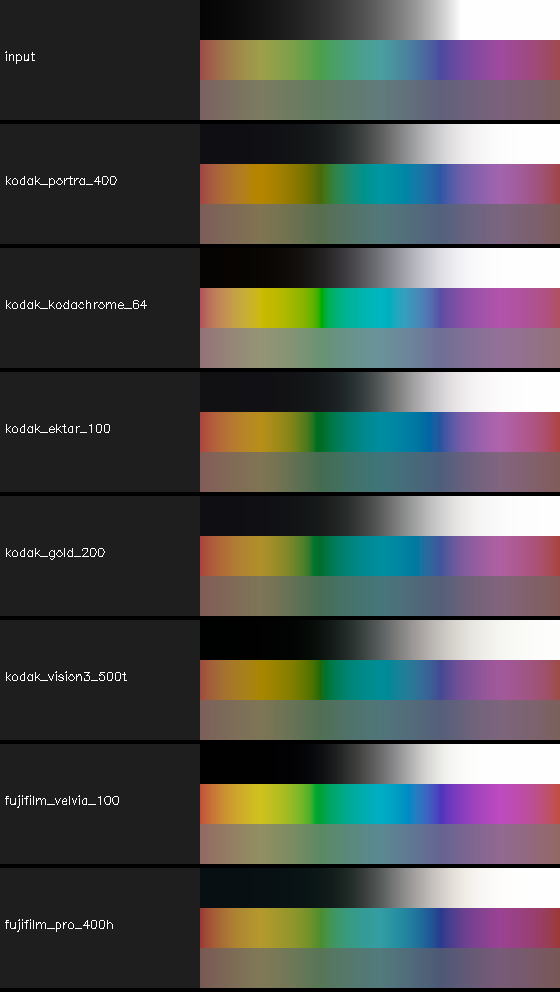
Matching is most of hybrid work. FilmSimulation runs a spectral model of 28 still and motion stocks from published datasheets, and grain, grading and light tools are built in.

  • Spectral negative and print emulation, from Portra 400 to Vision3 500T
  • MatchGrain measures a plate's grain and puts it back on clean or generated pixels
  • Curves, primaries, ColorCorrect, HueShift and an HSL qualifier
FilmSimulation stock previews: input, Portra 400, Kodachrome 64, Ektar 100, Gold 200, Vision3 500T, Velvia 100, Pro 400H

Shot work

The finishing tools are in the box

Roto, tracking, keying, warping and merging are native nodes with GPU previews while you drag, so a hybrid shot finishes where it started.

  • RotoPaint with feathering, paint strokes and per-point animation
  • Point tracking with stabilize and match-move output
  • IBK, colour-difference and delta keyers, GridWarp, CornerPin, STMap and LensDistortion
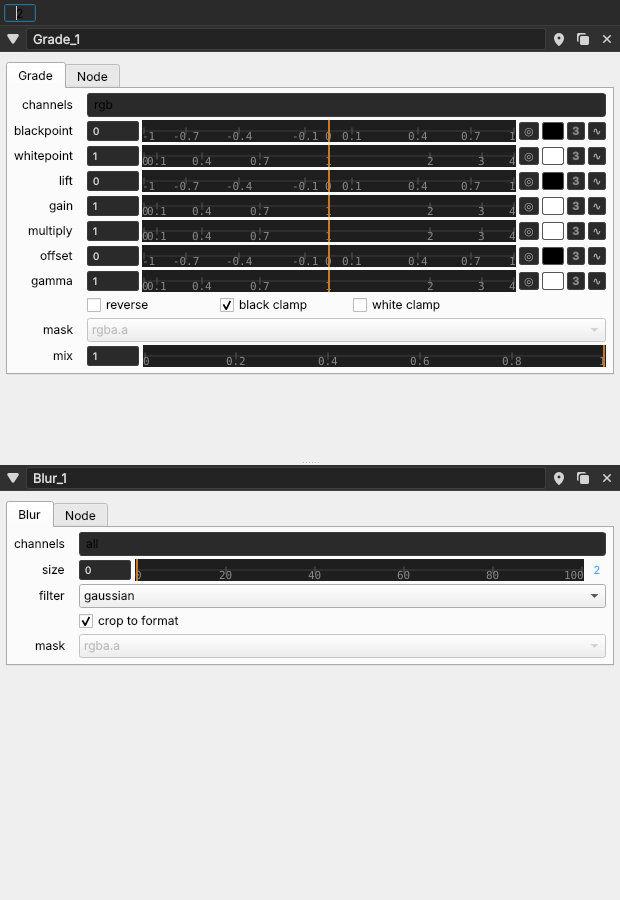
Grade and Blur knobs in the Triton Properties panel
04

Local craft. Cloud compute.

Your graph, project files, viewers and local ML nodes live on the artist machine. Heavy generation and reconstruction leave the workstation and run on dedicated GPUs: hosted by default, or in your private cloud when you need it.

01

Workflows are local

The desktop app owns the graph: media I/O, merges and grades, local ML passes, 3D scene ops, animation, viewers and caches. Interactive work stays on your machine with your media and project structure.

02

Heavy models run in the cloud

Cloud GPU nodes send only their inputs to hosted workers. Stage inputs, run the job, stream progress, and pull results back into the same graph, paid from prepaid credits by the GPU-second. No local multi-GPU farm required.

03

Private cloud inference

Studios that need inference inside their own network can run a private deployment. Available on request — contact us to scope access, security, and capacity.

05

A production graph for hybrid shots

Directed acyclic graphs with typed ports, tab-search node creation, groups, undo, media drop, and a pull engine tuned for interactive playback. Plate, 3D, local ML and cloud GPU nodes sit side by side in the same tree.

I/O

Read EXR sequences & video · Write EXR · Write video · Multi-layer EXR

Image

Merge · Grade · OCIO · Blur · Keyers · Transform · Reformat · Retime

3D

Camera · ReadGeo · Lights · Materials · Project3D · ScanlineRender

Local ML

Depth · Normals · SmartRoto · Matting · Flow & retime · Inpaint · Upscale

Cloud GPU

Chord · Trellis 2 · SHARP · Hunyuan3D · more via API

Typed ports & multi-layer data

Image, float, string, scene, and multi-layer EXR flow through explicit connections — fewer silent type bugs mid-shot.

Unified 2D / 3D viewer

One dock stacks an OpenGL OCIO 2D viewport and a 3D scene view — channel isolation, exposure, gamma, look-through camera, and on-viewer handles.

Animation ready

Keyframe curve editor and dope sheet for float parameters that drive the graph over time, with autokey-friendly property edits.

Graph UX that scales

Tab create, groups, bookmarks, viewer pipes, rubber-band selection, clipboard, and drop media onto the canvas to spawn Reads.

06

Heavy models as graph nodes

Each hosted model is a cloud GPU job: open it in a web workspace or fire it from a desktop cloud node. Inputs stage on GPU volumes; results come back as artifacts in your local graph.

Material spheres suggesting PBR estimation

Chord

Materials

Estimate PBR material maps from a single image. Optional relit outputs for look-dev and MaterialX-friendly pipelines.

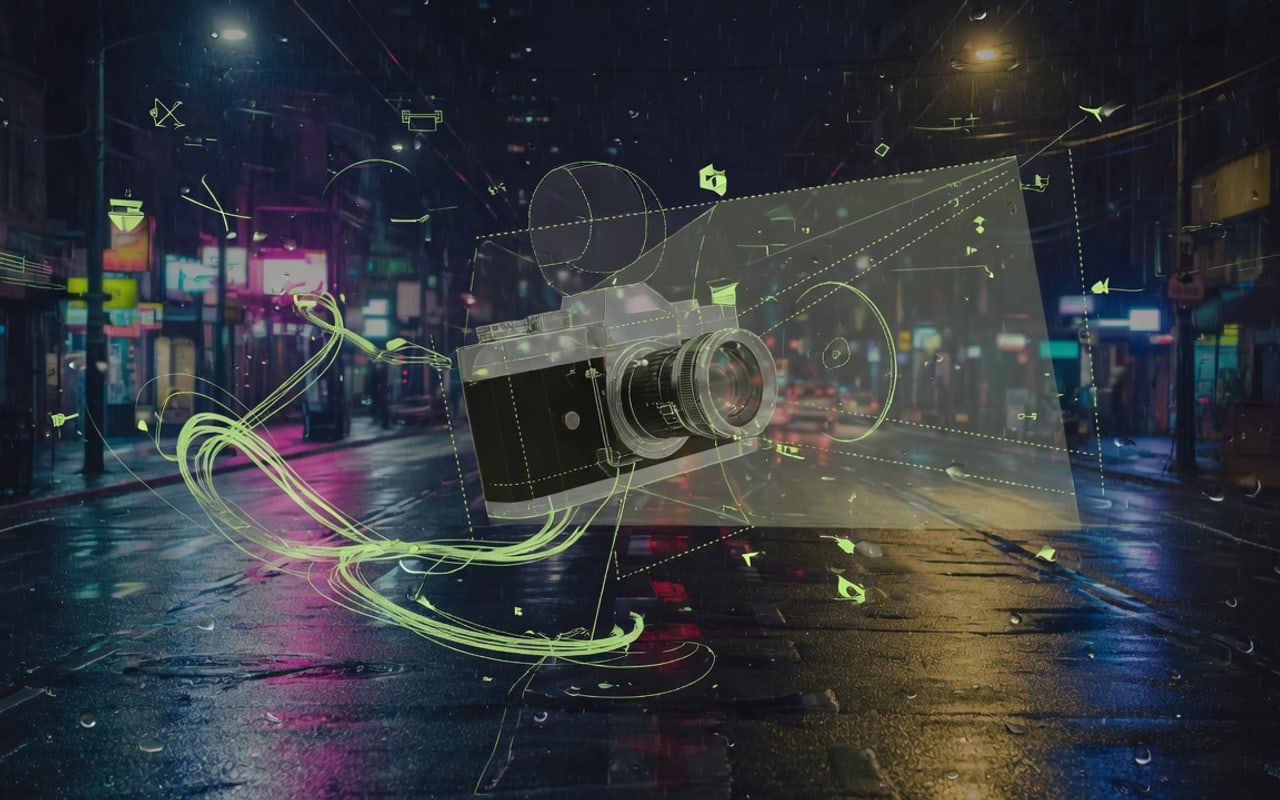
Textured mesh reconstruction from a photo

Trellis 2

Image → 3D

Textured mesh reconstruction from a single image — resolution, decimation, and texture size knobs for production exploration.

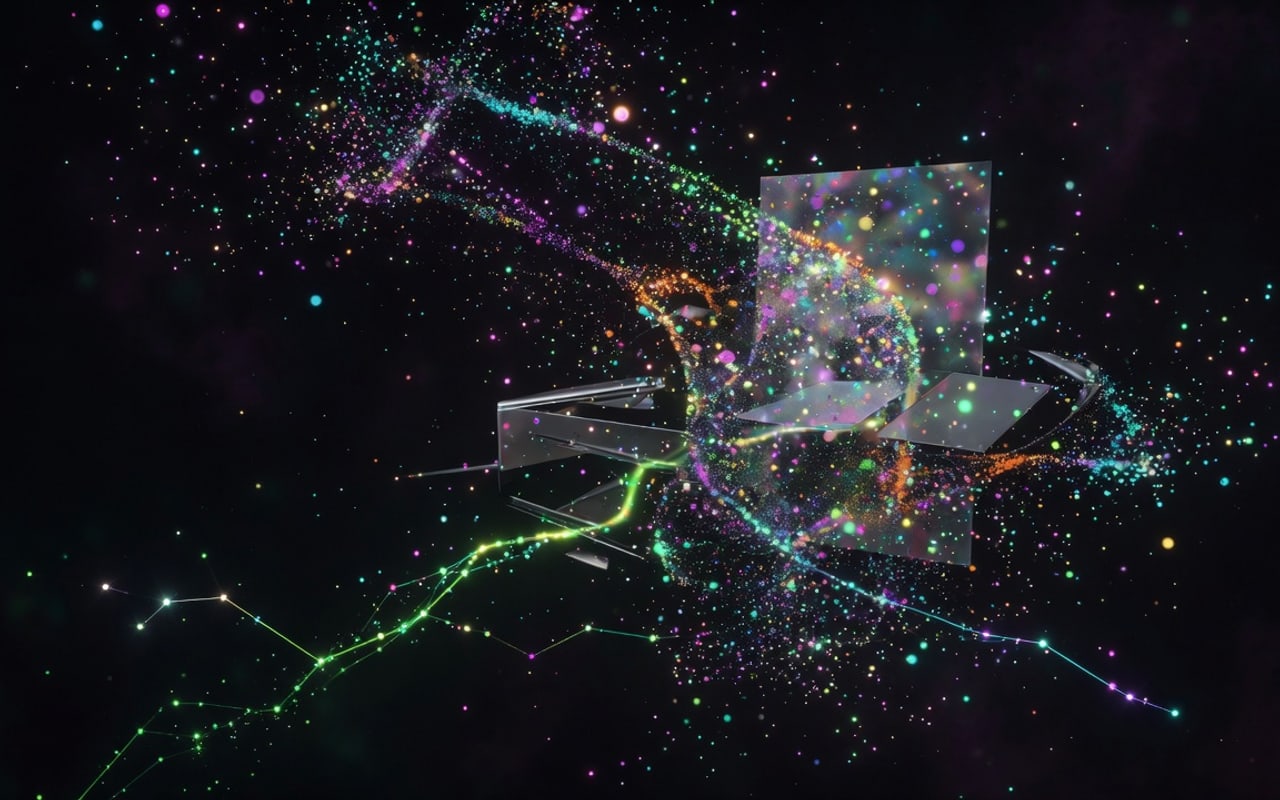
Gaussian splat point cloud visualization

SHARP

Gaussians

Generate 3D Gaussian splat reconstructions for dense, photoreal point-based views.

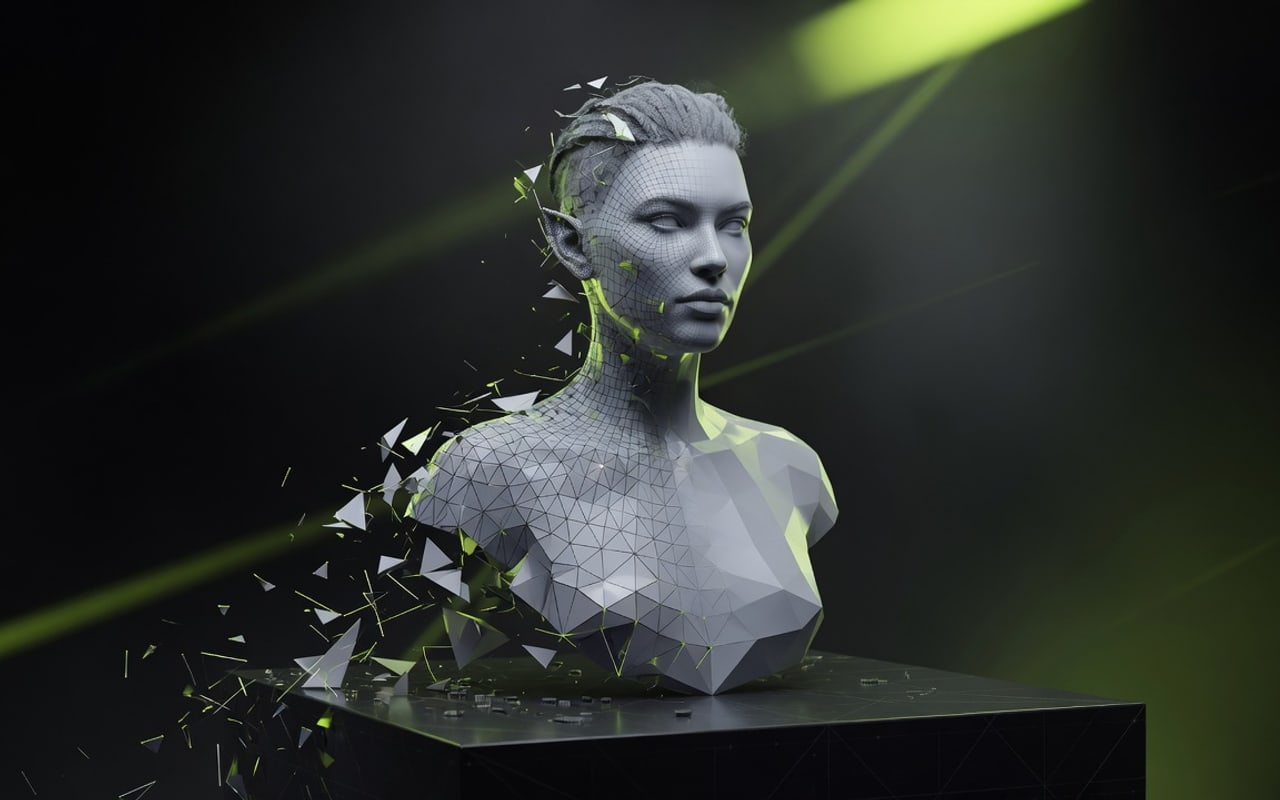
Mesh generation visualization

Hunyuan3D

Mesh

Image-to-mesh generation with seed, octree resolution, steps, and guidance controls.

Camera frustum and video geometry

ViPE

Camera / video

Video camera and geometry intelligence for matchmove-adjacent workflows via the cloud job API.

Dense tracking trails across motion

Tapir

Tracking

Dense point tracking across video for stabilization, paint prep, and motion-aware effects.

07

The bridge from local graph to cloud GPU

Desktop and web share one trusted surface for cloud GPU nodes: authenticate, stage media on GPU volumes, enqueue jobs, stream progress and download artifacts, while your project and graph stay local.

01

Browser sign-in for desktop

In Preferences → Account, hit Sign in with browser. You approve the desktop in the browser; Triton then picks up a device Bearer from the live API. Only the token hash is stored server-side. That links billing and enables cloud AI nodes.

02

Direct volume uploads

Short-lived upload handles stream media straight to GPU volumes — not through your app server as base64.

03

Jobs + SSE progress

Queue on Postgres (pg-boss), poll status, or subscribe to server-sent progress for long GPU runs from desktop or web.

04

OpenAPI contract

Shared Zod schemas drive validation and docs. Desktop Pydantic models stay aligned with the same request and response shapes.

08

Download the app. Build locally. Add cloud GPUs when you need them.

Native app for macOS, Windows and Linux on the VFX Reference Platform CY2026 stack. Local graphs, ML nodes, viewers and media I/O work with no account. Sign in from the app when you want cloud GPU nodes, paid with prepaid credits.

Free to install and use offline. Sign in with browser links your account; cloud GPU nodes run on prepaid credits from $10.

  • Local graph evaluation, playback cache and parallel branches, no login required
  • Multi-layer EXR I/O and ProRes / H.264 / DNxHR / FFV1 video
  • Plates, 3D scene and local ML nodes in one project
  • Cloud GPU nodes after browser sign-in (Chord, Trellis, SHARP, Hunyuan, ViPE, Tapir)

Desktop builds

This server is not configured to read GitHub Releases. Set GITHUB_RELEASES_TOKEN (a PAT with Contents: Read on the private repo).

Need a build? Contact us

09

Pricing

Free for non-commercial work. Indie is one payment, not a subscription: a year of updates and you keep that version forever.

Free

$0non-commercial

The whole app, for learning and personal projects.

  • Every node, viewer and panel
  • Renders up to 1920 x 1080
  • No account needed to run it
  • Cloud GPU nodes on prepaid credits
Join the waitlist

StudioAfter 1.0

$399per seat, per year

For companies over $100k revenue. Opens after 1.0.

  • Everything in Indie
  • Floating, transferable seats
  • Command-line rendering
  • Priority bug reports
Ask about Studio
10

Questions, answered

Short answers about hybrid VFX, where compute runs, and how models get into the graph.

What is hybrid VFX?

Shots that mix photographed plates, CG and machine learning: a generated set extension relit to match the plate, a depth pass from a model driving fog, an ML matte refined with roto. Triton puts all of that in one node graph, on the same frames and in the same colour space.

How is Triton different from a compositing app?

Triton is not a compositor with AI features added later. It is a workspace built from the ground up for hybrid VFX: roto, tracking, keying and merging are in the box, alongside 3D, local ML nodes and cloud GPU nodes, all sharing one graph, one colour pipeline, one cache and one job queue.

Do the ML nodes send my footage anywhere?

Local ML nodes run on your machine and never upload frames. Cloud GPU nodes upload only the inputs you connect to them, and only when you run them.

Can we keep cloud GPU work inside our network?

Yes. Private cloud deployment is available on request. Contact us to scope security, capacity and access.

How does the desktop talk to the cloud?

Sign in with browser from Preferences → Account. Triton opens the site, you approve the desktop, and the app receives a device token. The same typed HTTP API then stages media, enqueues jobs, streams progress (SSE) and downloads artifacts. OpenAPI: /api/v1/openapi.json.

Which platforms does the desktop support?

macOS, Windows and Linux on the VFX Reference Platform CY2026 stack.

Get in early

Early Access builds go to the waitlist first, with the $99 Founder license until 1.0.